Free Model Download
CFS Floor Desiccant Container
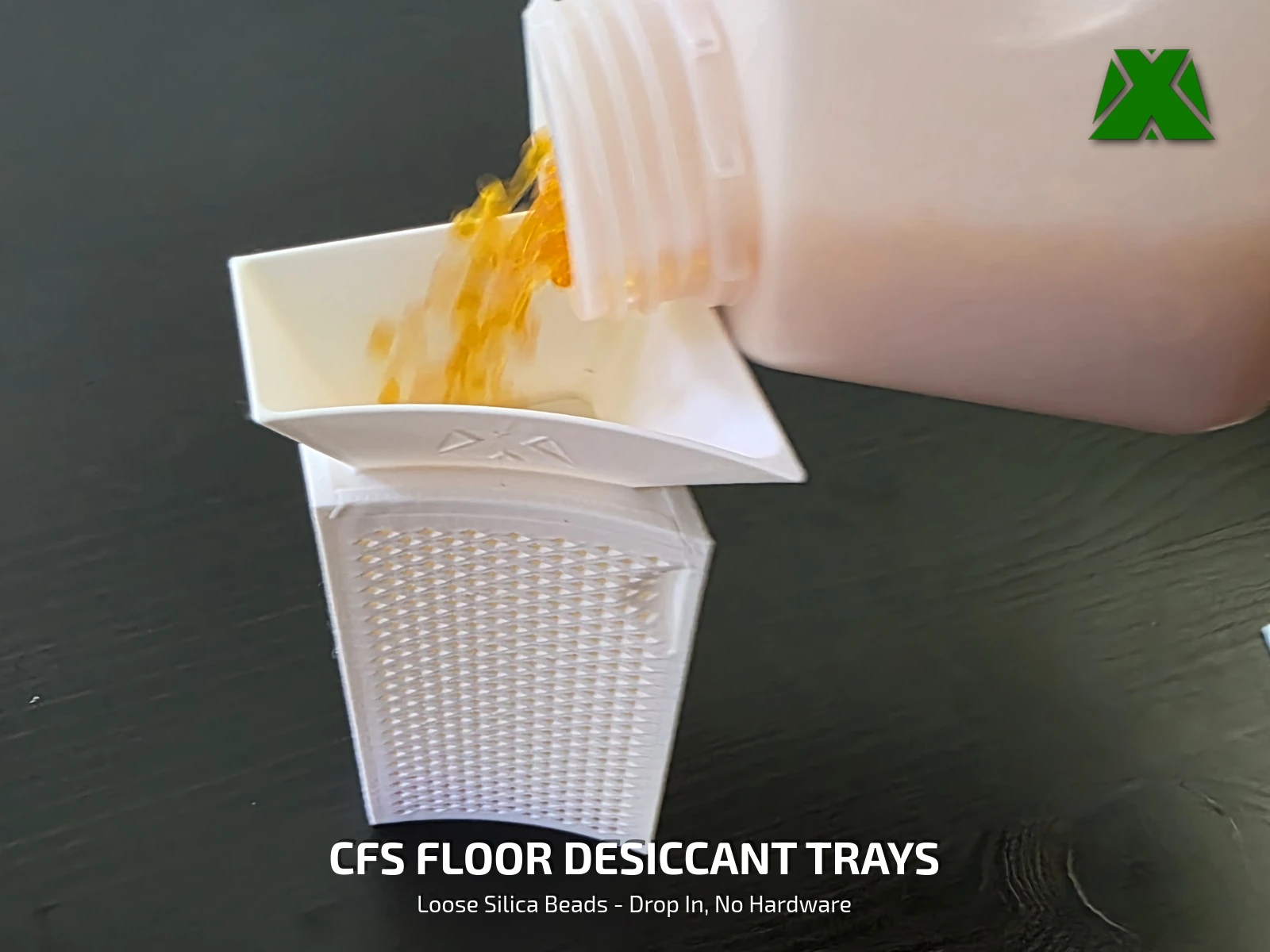
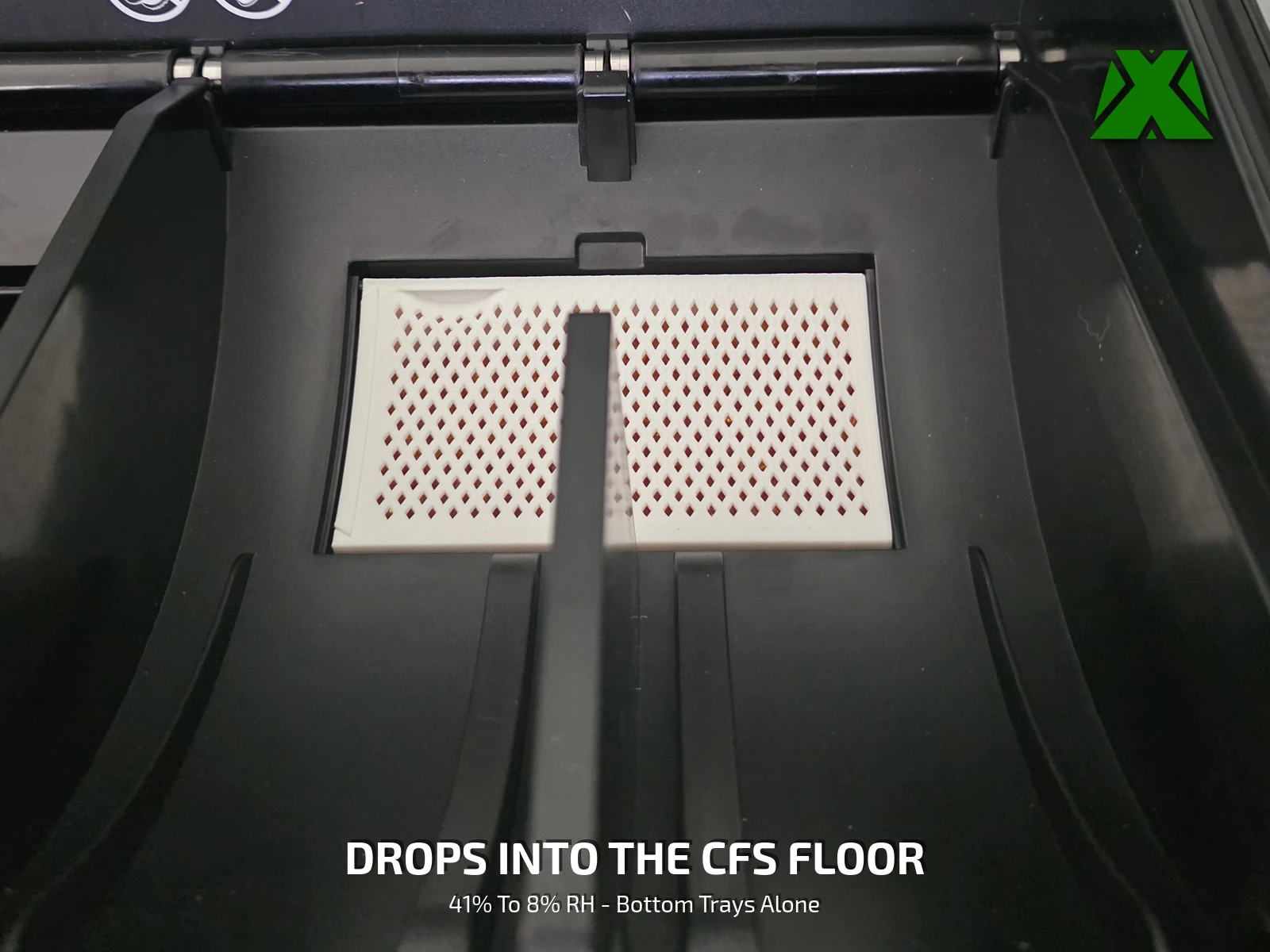
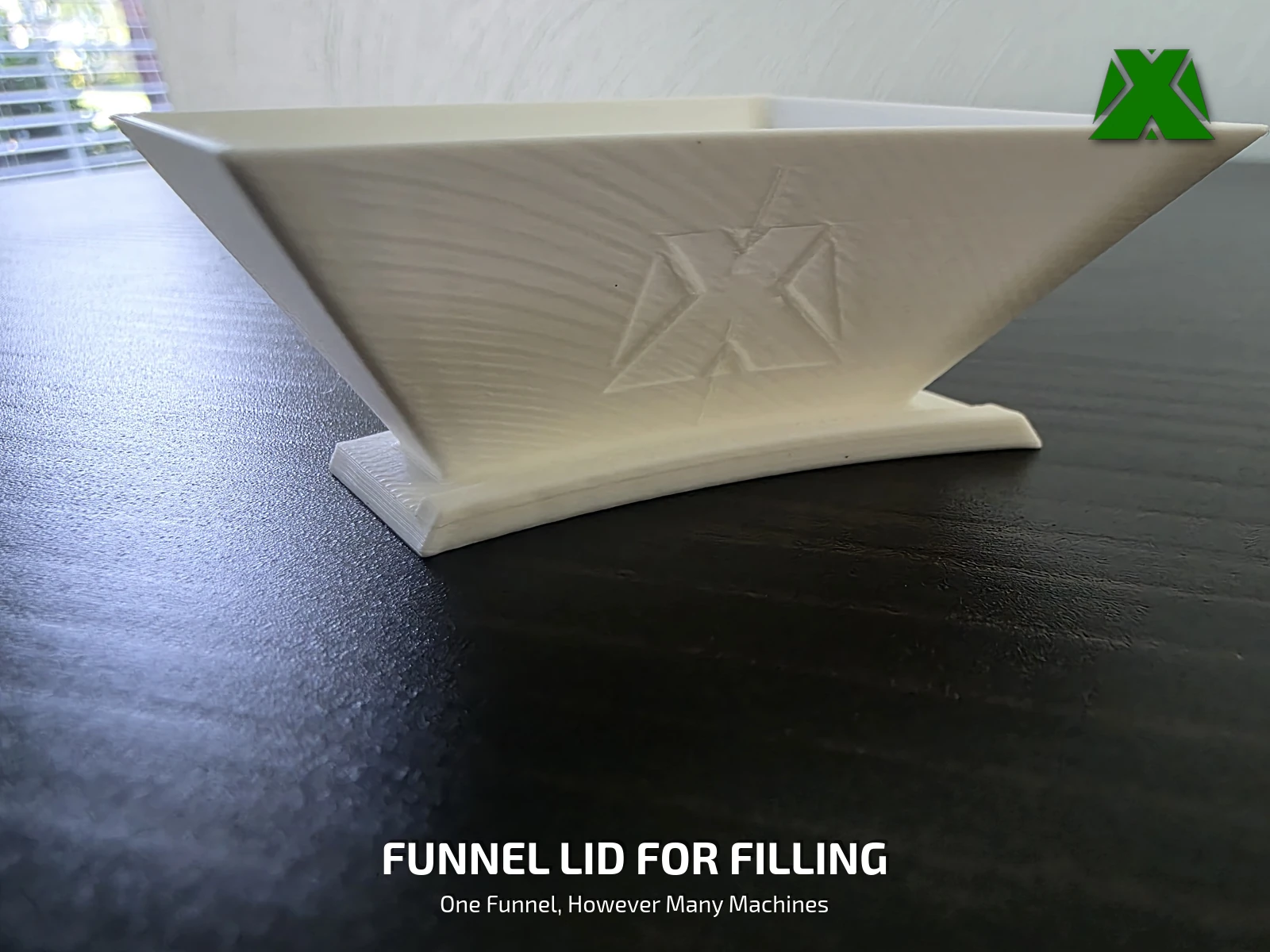
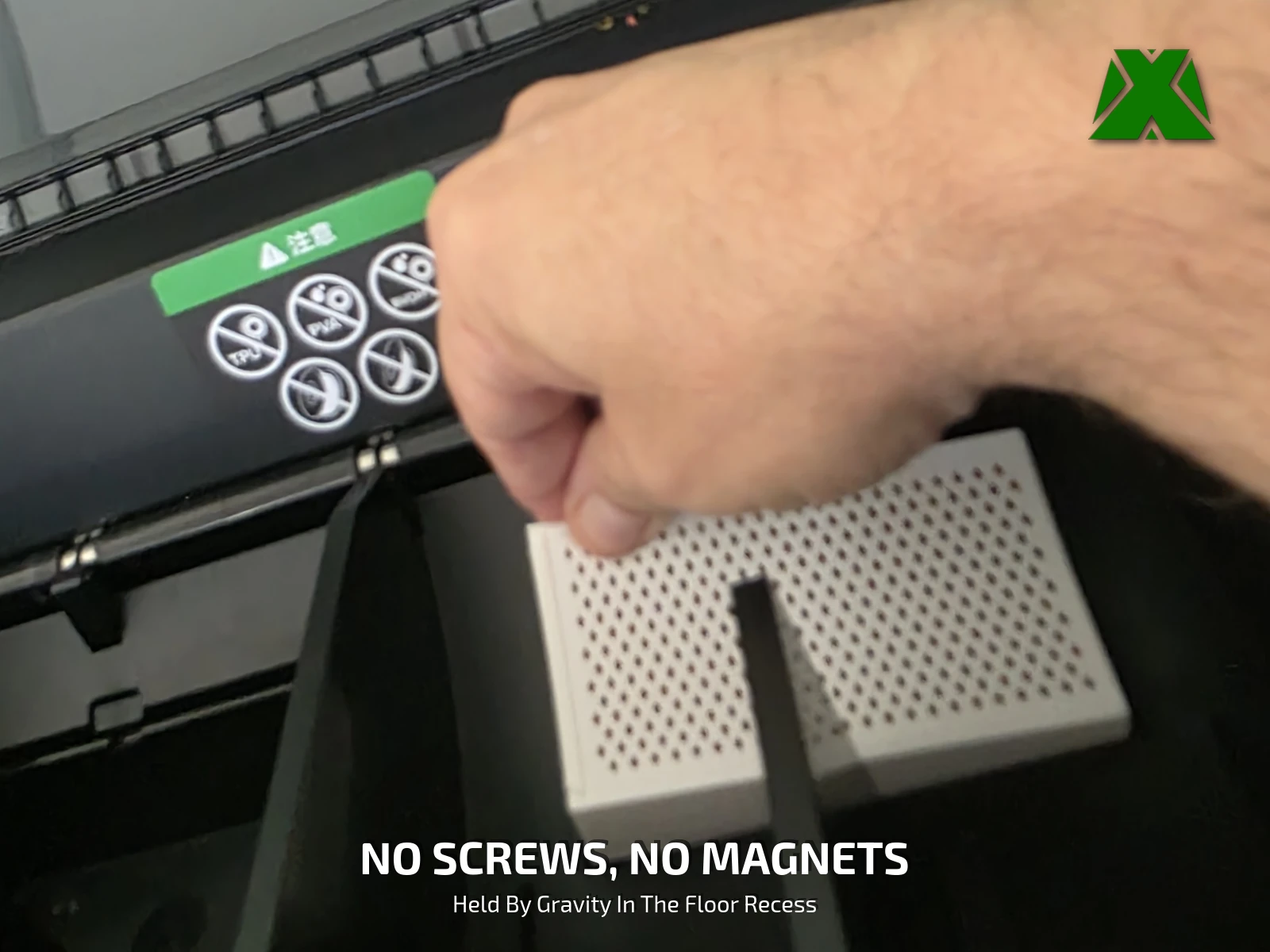
The floor of the Creality CFS is two cavities with a rib down the middle, and each one ships with a bagged desiccant packet under a vented cover plate. Lift those plates out and these two trays take their place — sized to fill the bay, packed with loose silica you can see and recharge, and held in by nothing but their own weight.
Downloads
Get the Files
Two plates. The first carries everything one machine needs — two trays and two solid lids — and the second is the funnel lid, which you only ever print once. The STLs are in there if you would rather bring your own profile.
Every download through Creality Cloud earns points that help keep my models free and my pages running. If you have an account, downloading from there is the best way to support the work at no cost to you.
Download on Creality CloudThe 3MF is the faster path — open it, pick a plate, and slice. A full print & use guide is attached to the Creality listing.
The same guide attached to the model listings, hosted here so you can read it before you print —
What's Included
Four Pieces, One Machine
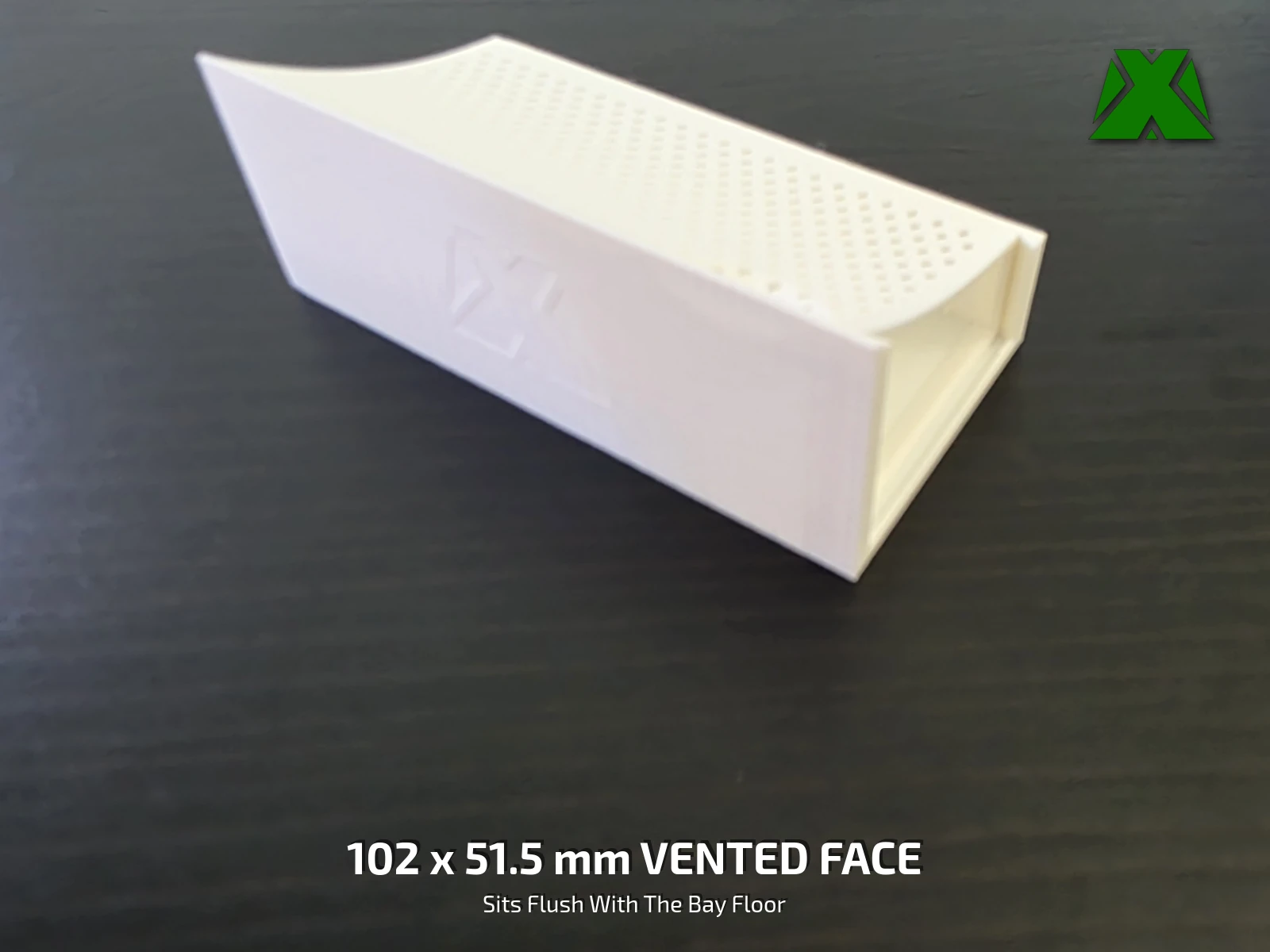
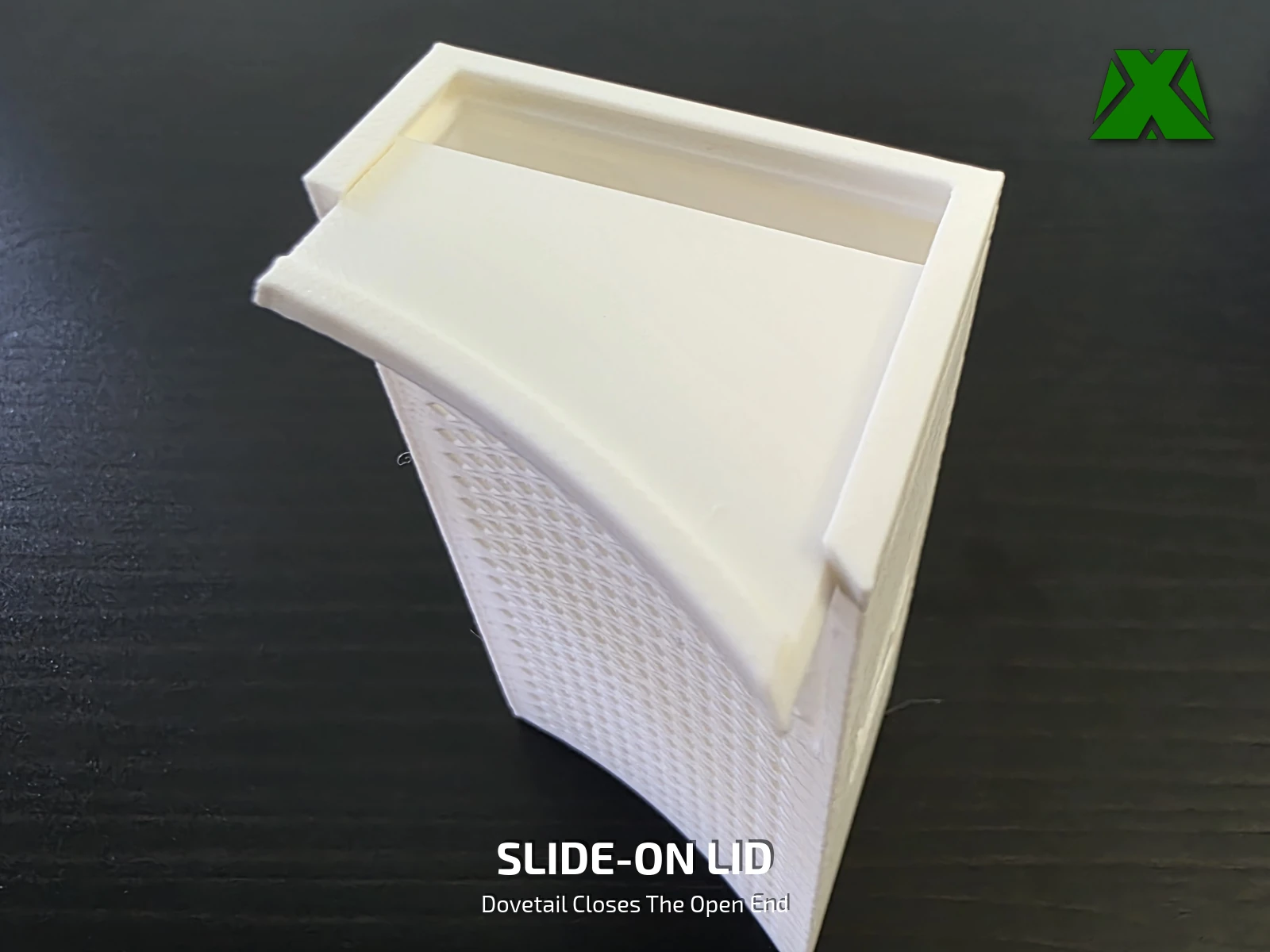
Two trays and two solid lids per CFS, plus one funnel lid that fills every tray you will ever own. On my own machine — two freshly filled trays, an empty chamber and no spools loaded — the display went from 41% relative humidity to 8% over 24 hours, and 13% of that fall happened in the first 4 h 37 m.
Print Settings
Slice It Right
These are the settings the reference prints were made with. The 3MF carries the full profile — open it in Creality Print or any slicer that reads 3MF projects and it is ready to go. Both plates run the same way: 0.12 mm layers, 4 walls, 9% gyroid and a 5 mm brim, with no supports required anywhere despite all the perforation.
You supply one thing, and there is no hardware in this model at all. Loose indicating silica gel in 3 to 5 mm beads — mine is a cobalt-chloride-free orange gel that turns dark green when it is saturated. No magnets, no tape, no screws, and no silica included in the download.
Take the beads out before you recharge them. Indicating silica is recharged in an oven at 200 to 250 °F, and PLA starts to soften around 140 °F — so an oven, a microwave or a filament dryer will all slump a PLA tray. Tip the beads into an oven-safe dish instead. Printed in PET-G the trays tolerate a dryer, but a dryer never reaches the temperature the beads actually want.
More models and tested slicer settings on my Creality Cloud profile.
View ProfileReleased under CC BY-NC-ND 4.0 — free for personal use, credit appreciated, no commercial use or derivatives.