Free Model Download
Fidget Hexagon
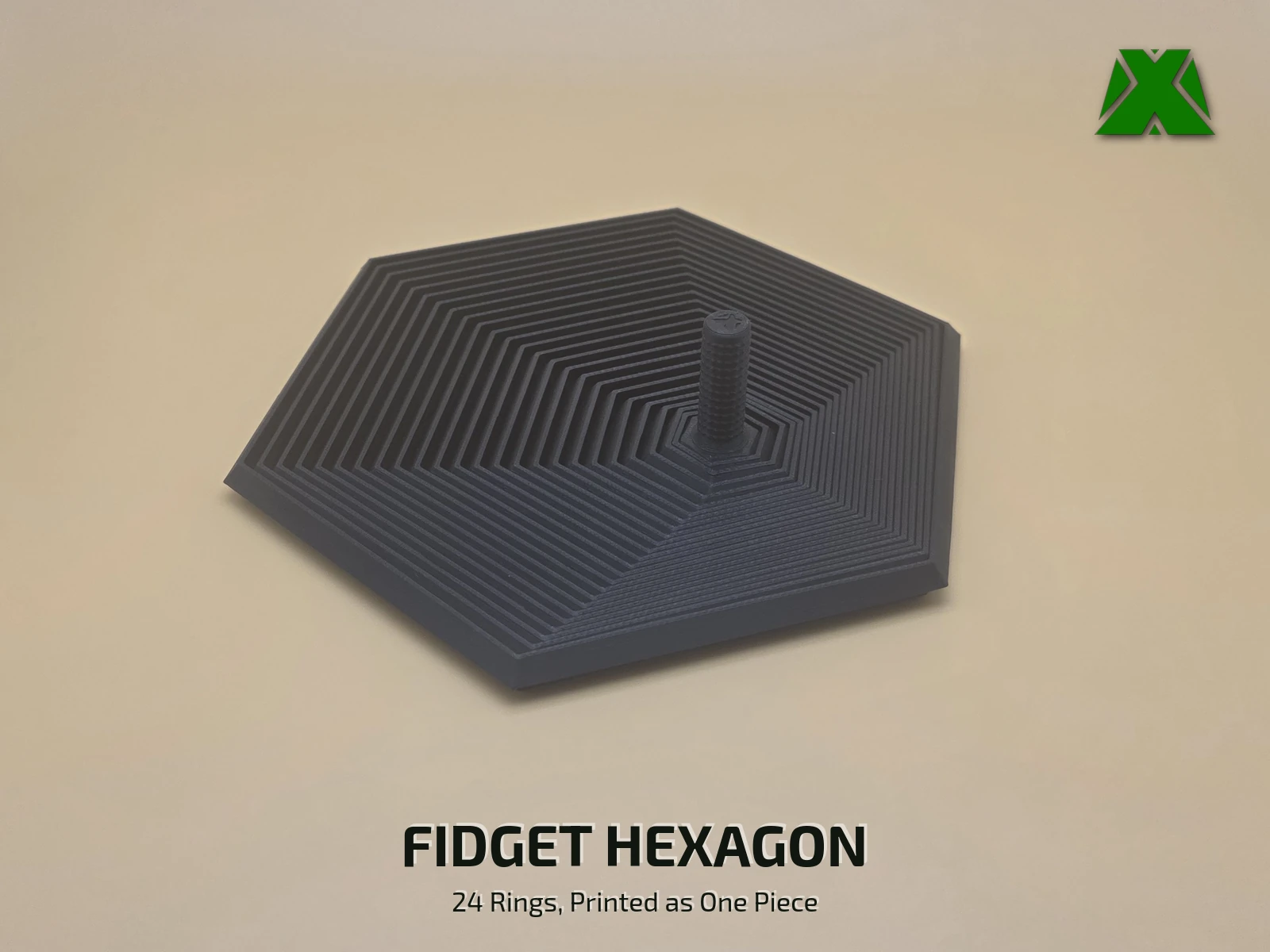
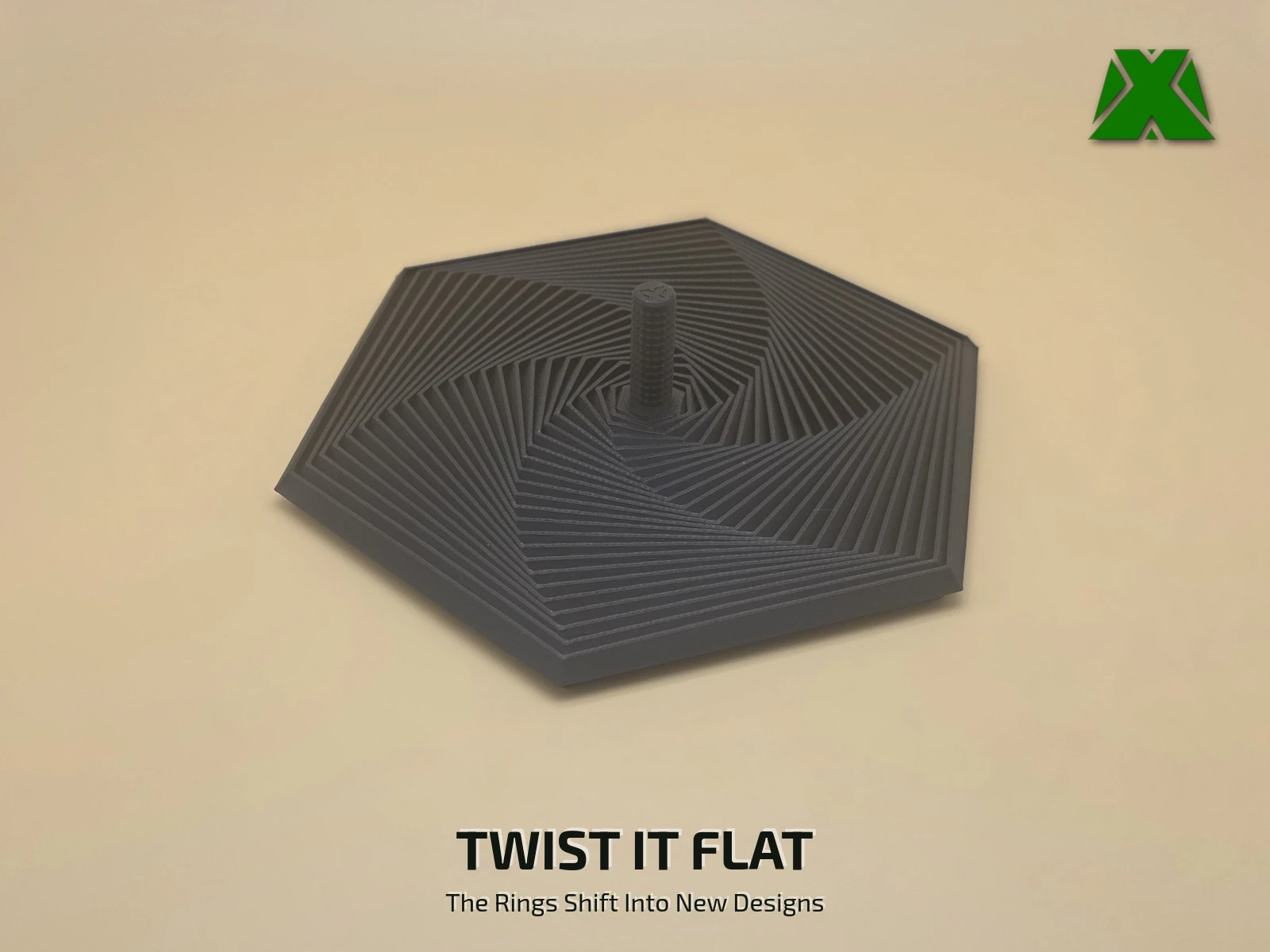
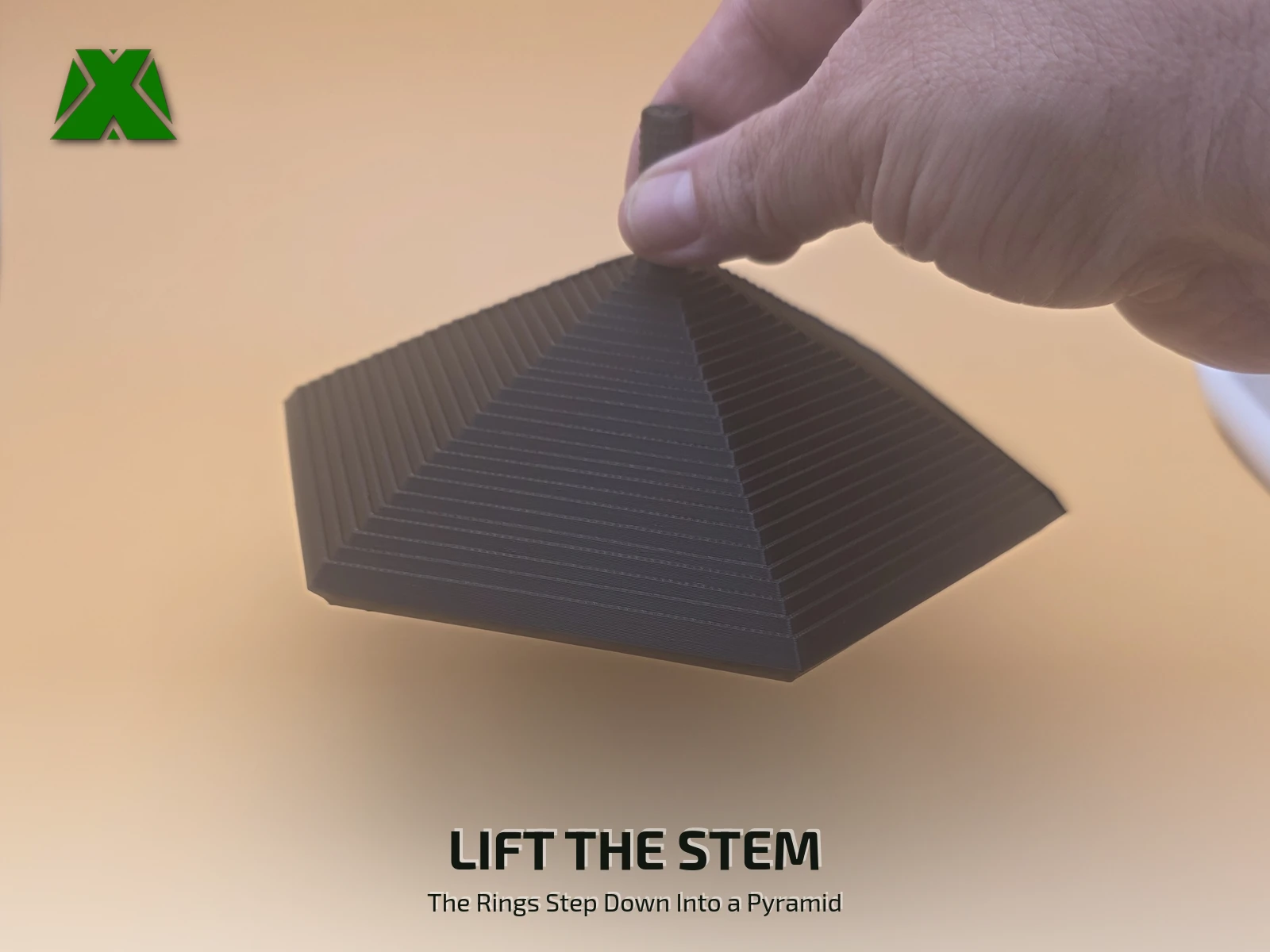
A fidget toy that keeps your hands busy at your desk. It sits flat as a six-sided plate, and every way you move the stem gives it a different look — twist it and the 24 rings sweep around into a pinwheel, push and pull it side to side, or lift it and they step down into a pyramid. The stem is textured for a tactile feel, and lowering it back to the desk makes a satisfying sound.
Downloads
Get the Files
One 3MF with the whole hexagon on a single plate and the tested profile saved inside, plus the same part as a plain STL for any slicer.
Every download through Creality Cloud earns points that help keep my models free and my pages running. If you have an account, downloading from there is the best way to support the work at no cost to you.
Download on Creality CloudThe 3MF is the faster path — open it, say yes to the project settings and slice. A full print & play guide is attached to the Creality listing.
The same guide attached to the model listings, hosted here so you can read it before you print —
Ways To Play
Every Move Gives It A New Look
24 nested rings hang from one textured stem, so whatever your fingers do, the rings follow — and it all comes off the plate as one print.
Print Settings
Slice It Right
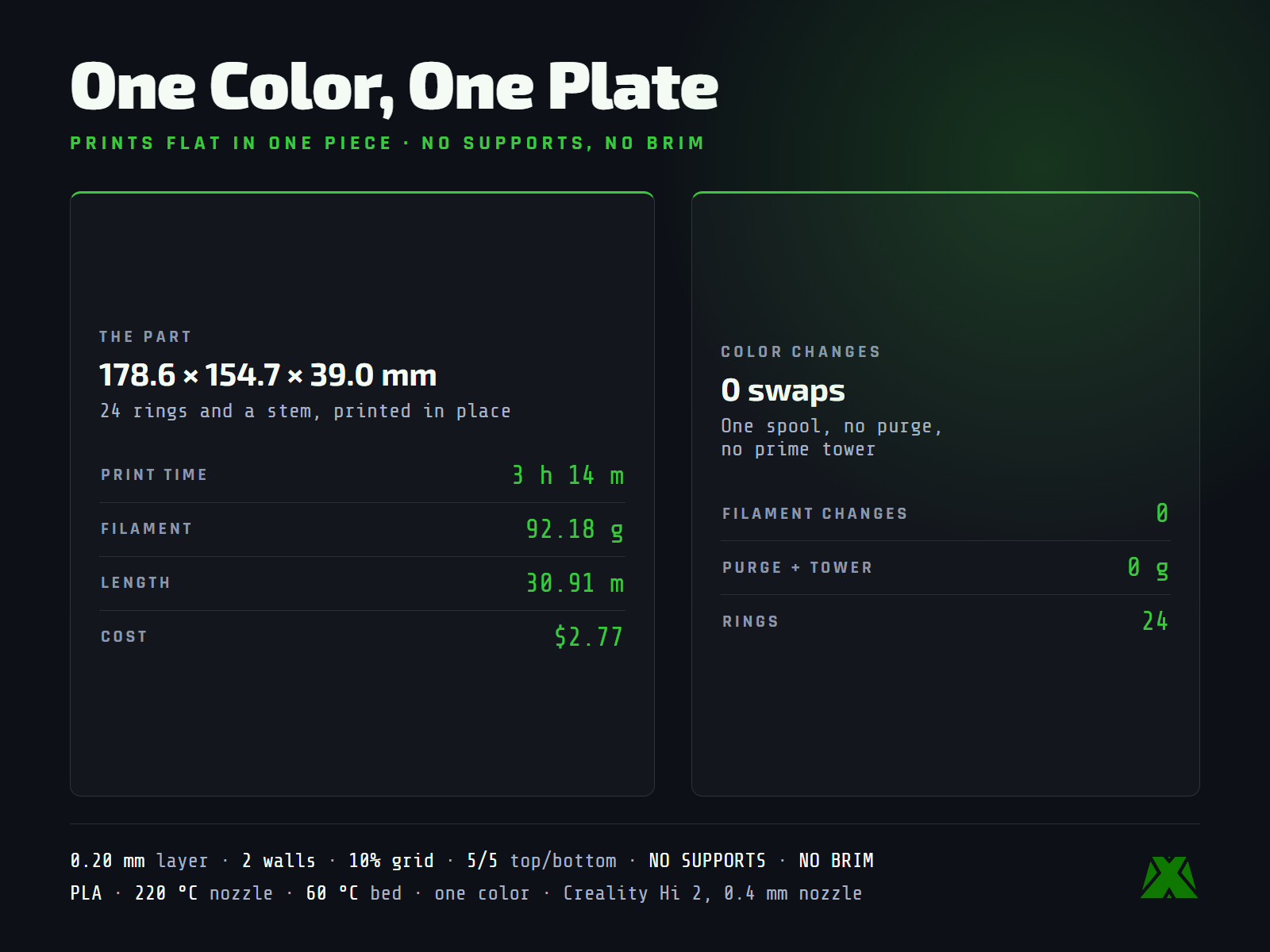
These are the settings the hexagon in the photos was printed with, on a Creality Hi 2 with a 0.4 mm nozzle. The 3MF carries the full profile — open it in Creality Print or any slicer that reads 3MF projects and it is ready to go.
One color, no swaps. A single spool, no filament changes, no purge and no prime tower: 3 h 14 m and 92.18 g for the whole plate.
It prints flat, just as it rests, 178.6 x 154.7 mm and 39.0 mm tall with the stem, with no supports and no brim. It is the widest of the shape set and needs a 180 mm bed.
More models and tested slicer settings on my Creality Cloud profile.
View ProfileReleased under CC BY-NC-ND 4.0 — free for personal use, credit appreciated, no commercial use or derivatives.