Free Model Download
Filament Storage Top Labels
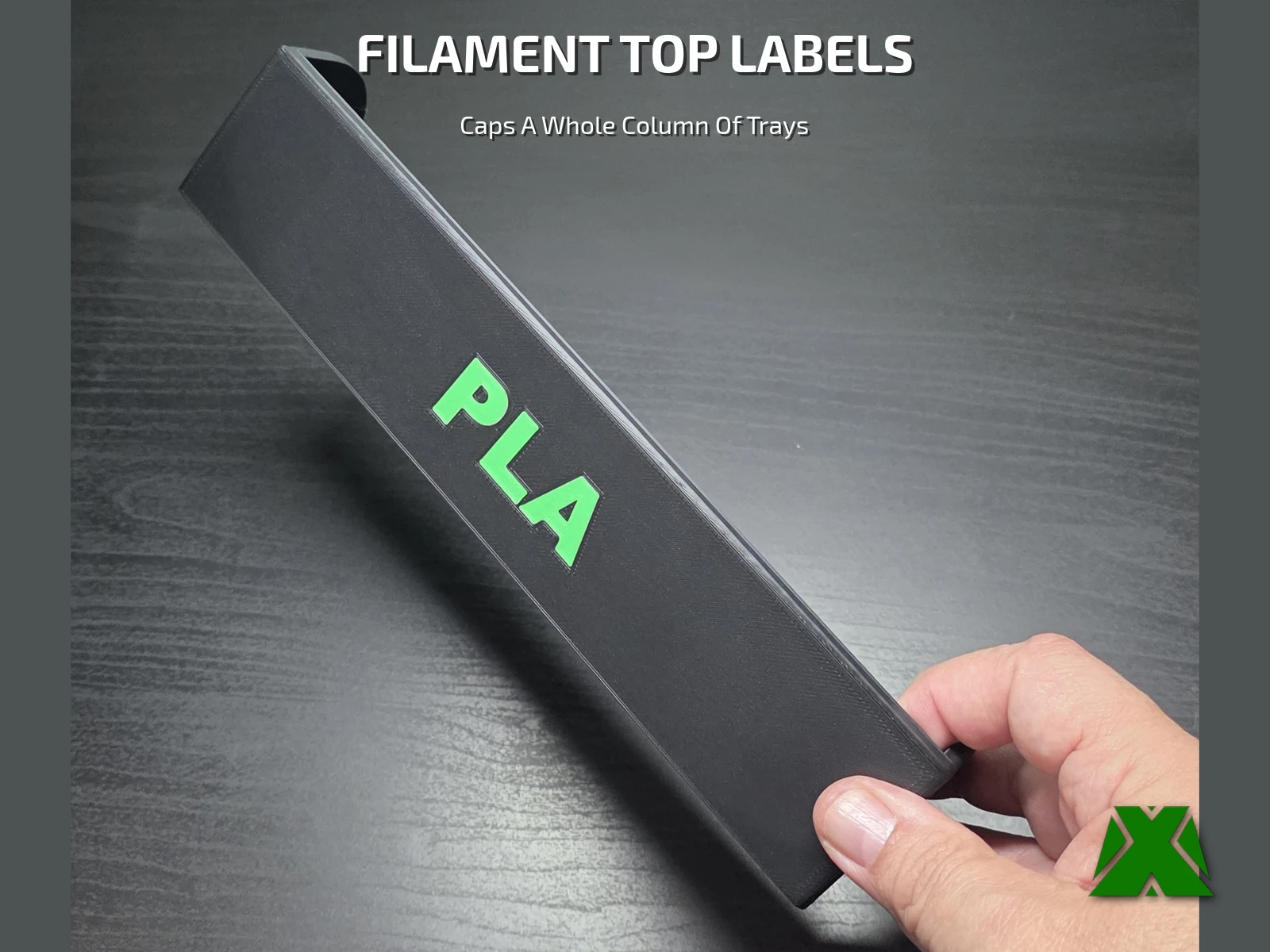
The insert labels name one tray. This names the whole column. A single 240 mm bar sits across the top of a stack and reads from the other side of the room, so you find the right column before you ever start pulling trays out. Four columns, four bars, and the wall stops being a guessing game.
Downloads
Get the Files
One project file holds all five plates — pick the label you want and slice it. The STLs are in there too if you would rather bring your own profile, plus a blank-faced STL for adding your own text.
Every download through Creality Cloud earns points that help keep my models free and my pages running. If you have an account, downloading from there is the best way to support the work at no cost to you.
Download on Creality CloudThe 3MF is the faster path — open it, pick a plate, and slice. A full print & use guide is attached to the Creality listing.
The same guide attached to the model listings, hosted here so you can read it before you print —
What's Included
Five Plates, One Project
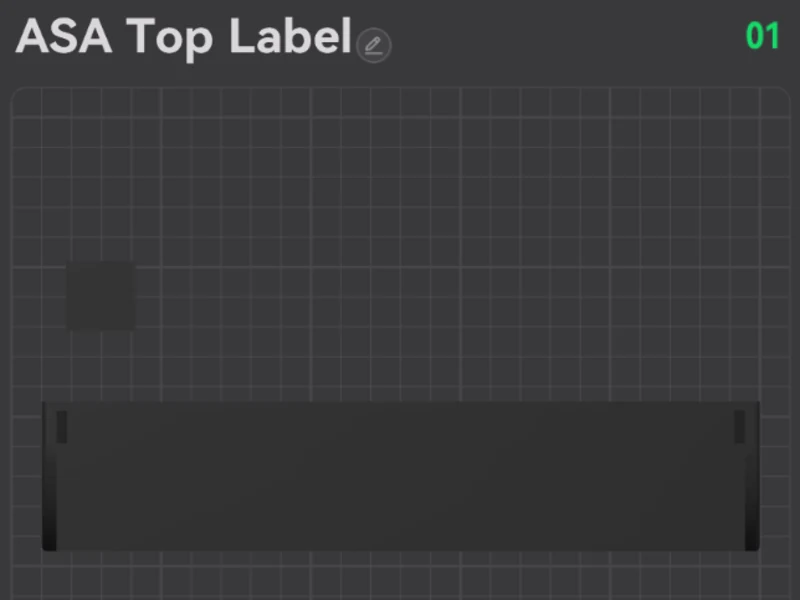
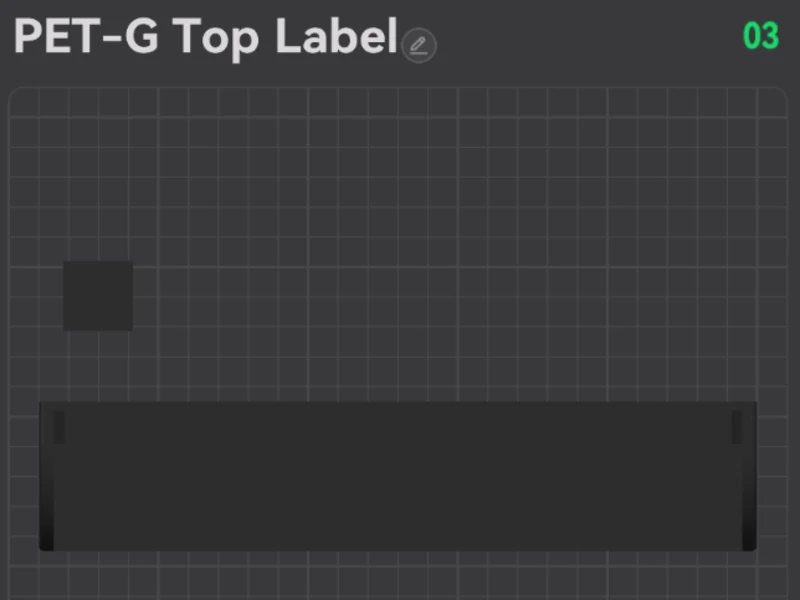
Every bar is the same part with different lettering, so they all print the same way — about 2 h 46 m and 72 g each. The name is what the label says — all five plates are sliced for PLA, so print them in whatever you like.



Print Settings
Slice It Right
These are the settings the reference prints were made with. The 3MF carries the full profile — open it in Creality Print or any slicer that reads 3MF projects and it is ready to go. The four lettered plates are set up for two filaments with three tool changes, so printing them in two colors needs a CFS, an AMS or another multi-material unit. Starting from an STL instead? An STL carries no color — select the part and use Paint in your slicer, or it slices in a single color, which is why the text can look like it disappeared. Either way keep the lettered face down on the plate: fastest, and the least filament wasted on purge.

More models and tested slicer settings on my Creality Cloud profile.
View ProfileReleased under CC BY-NC-ND 4.0 — free for personal use, credit appreciated, no commercial use or derivatives.