Free Model Download
Key ID Covers
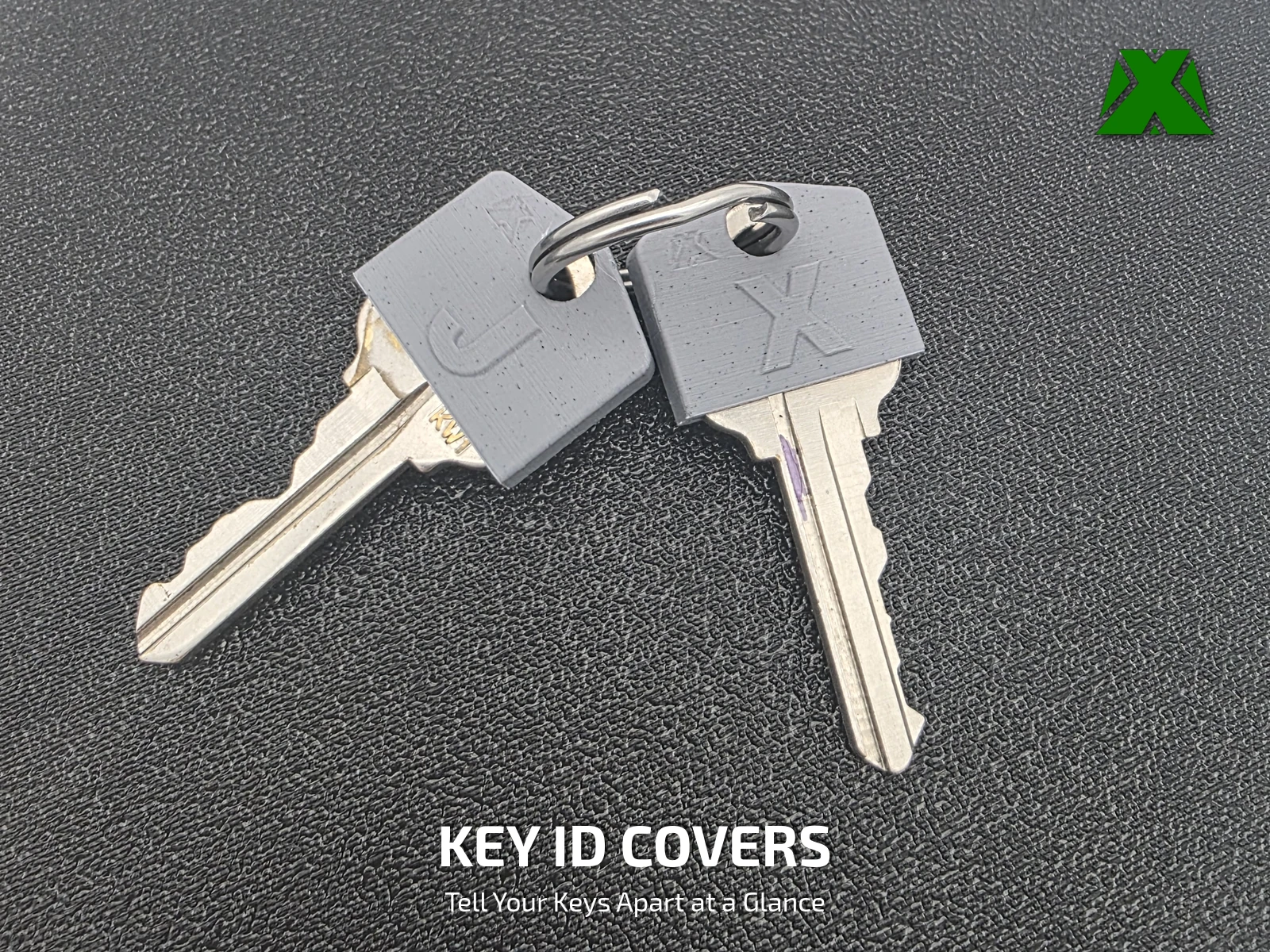
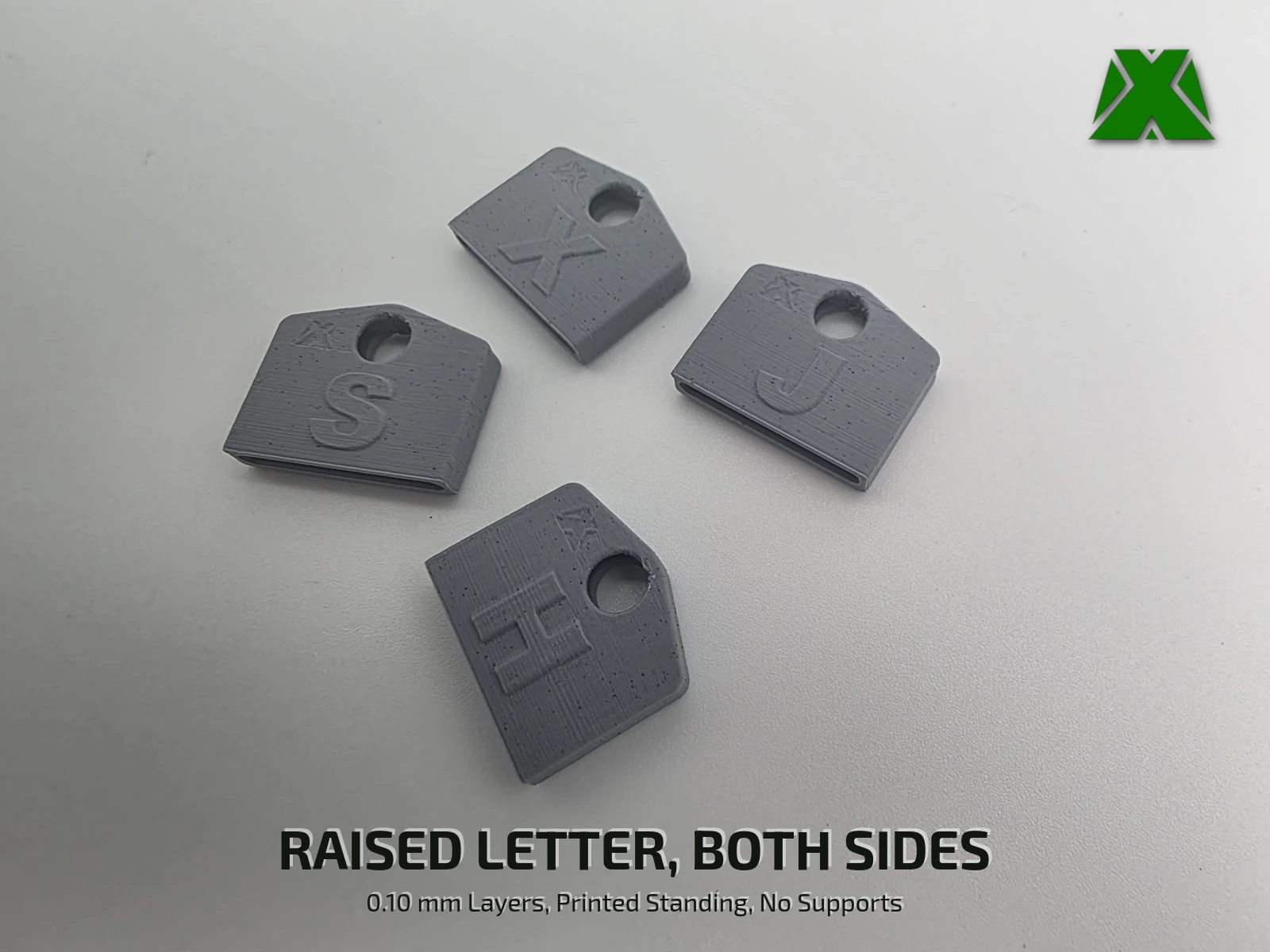
Every keyring ends up the same way — a handful of identical brass keys you squint at, or try one by one in the lock. These covers slide over the head of the key and put a raised letter on both faces, so the right key is obvious at a glance. The ring passes through the key and the cover together, and that is what holds the cover on.
Downloads
Get the Files
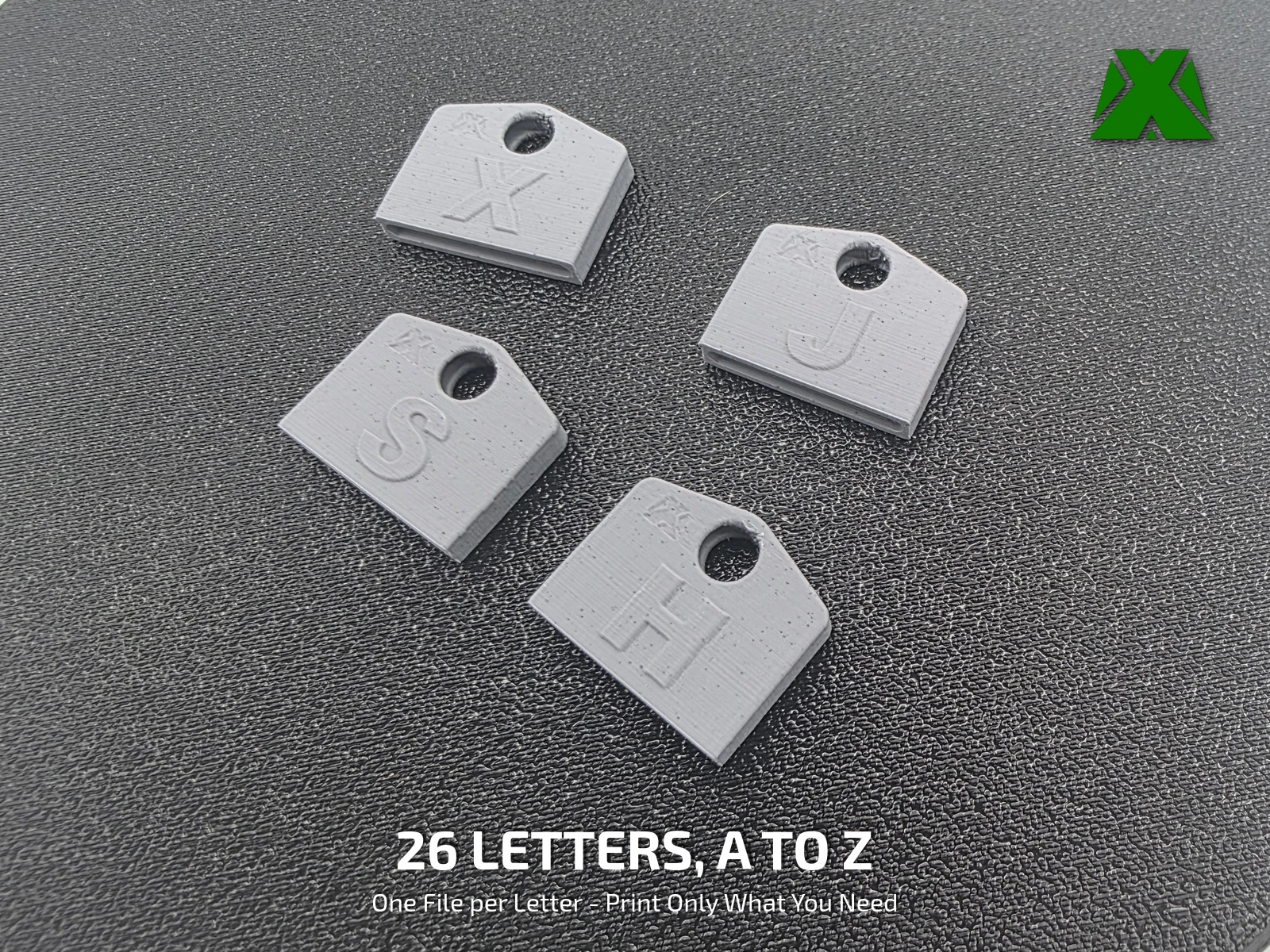
Every letter as its own STL, plus two projects with the whole alphabet already arranged on one plate — one single color, and one two color with the letters assigned to a second filament.
Every download through Creality Cloud earns points that help keep my models free and my pages running. If you have an account, downloading from there is the best way to support the work at no cost to you.
Download on Creality CloudThe 3MF is the faster path — pick the single-color or two-color plate, open it and slice. A full print & use guide is attached to the Creality listing.
The same guide attached to the model listings, hosted here so you can read it before you print —
What Makes It Work
The Letter Does The Sorting
A colored ring or a dab of paint works until you have four keys the same color. A letter keeps working however many keys are on the ring.
Print Settings
Slice It Right
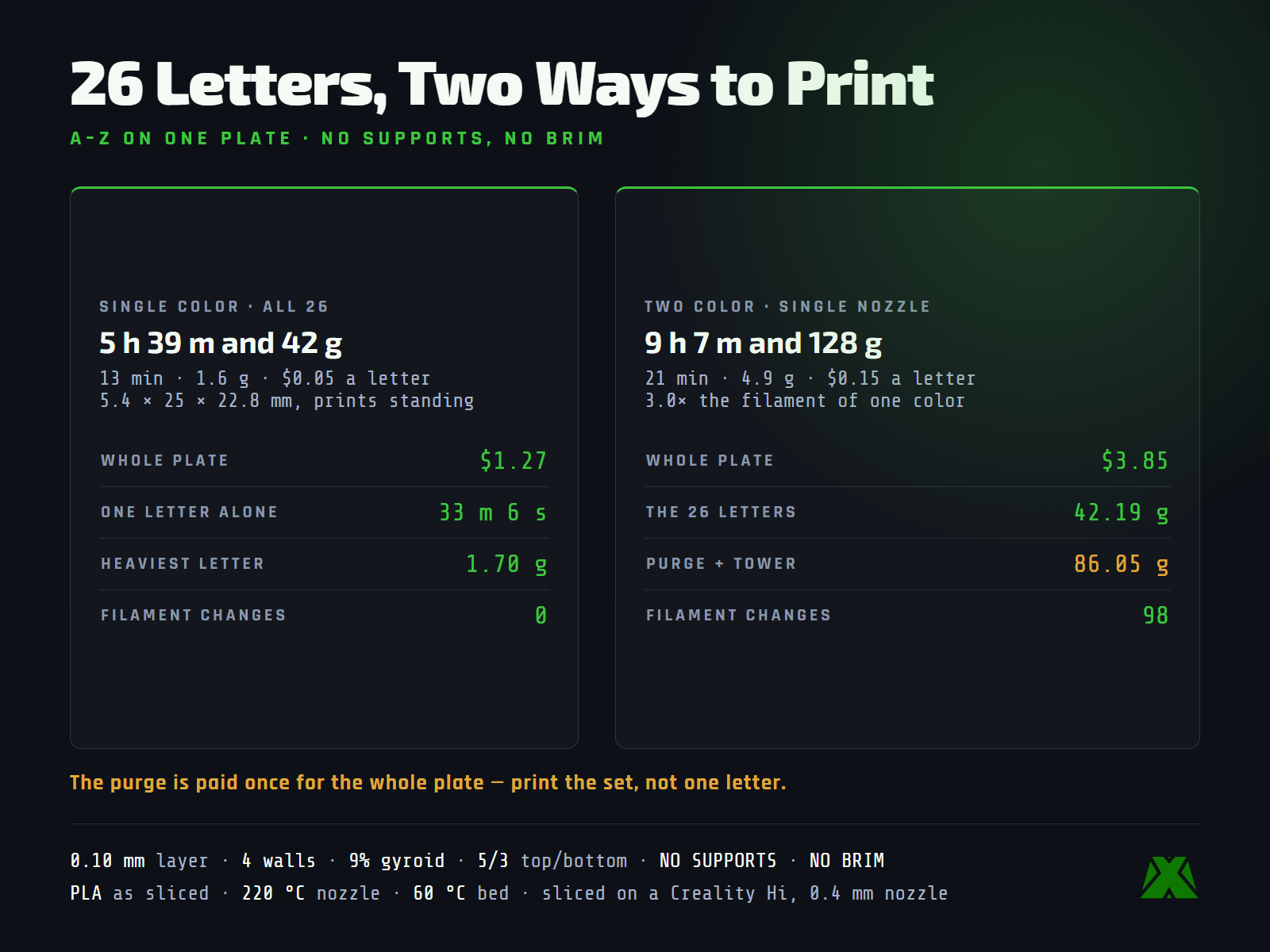
These are the settings the reference covers were printed with, on a Creality Hi with a 0.4 mm nozzle. The 3MF carries the full profile — open it in Creality Print or any slicer that reads 3MF projects and it is ready to go.
Print the set, not one letter. The whole alphabet in one color is 5 h 39 m and 42 g, about 13 minutes and 1.6 g a letter. In two colors it is 9 h 7 m and 128 g, and 86.05 g of that is purge and prime tower — paid once for the whole plate, which is why a batched two-color letter works out to only 4.9 g.
Each cover prints standing, 5.4 × 25 × 22.8 mm, with no supports and no brim. A single letter printed alone takes about 33 minutes.
More models and tested slicer settings on my Creality Cloud profile.
View ProfileReleased under CC BY-NC-ND 4.0 — free for personal use, credit appreciated, no commercial use or derivatives.