Test Type
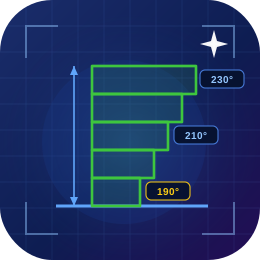
Temp Tower Parameters
Download
Legend
How To Use This Test
Drag to rotate · Scroll to zoom · Right-drag to pan · Z is up
How it works — Geometry is generated entirely in your browser from the parameters above and exported as a binary STL; nothing is uploaded. Why the G-code matters — an STL only describes shape. A temperature tower or pressure-advance tower is meaningless unless the temperature / PA value actually changes as the print climbs, and that instruction lives in G-code, not in the mesh. The tolerance gauge and retraction test need no G-code — the print reveals the result directly. Tolerance tip — FDM holes shrink; pair this gauge with the Tolerance & Fit Calculator for material-specific correction. Always slice with the same filament, nozzle and layer height you intend to use for real.