Free Model Download
Zip Tie Clips
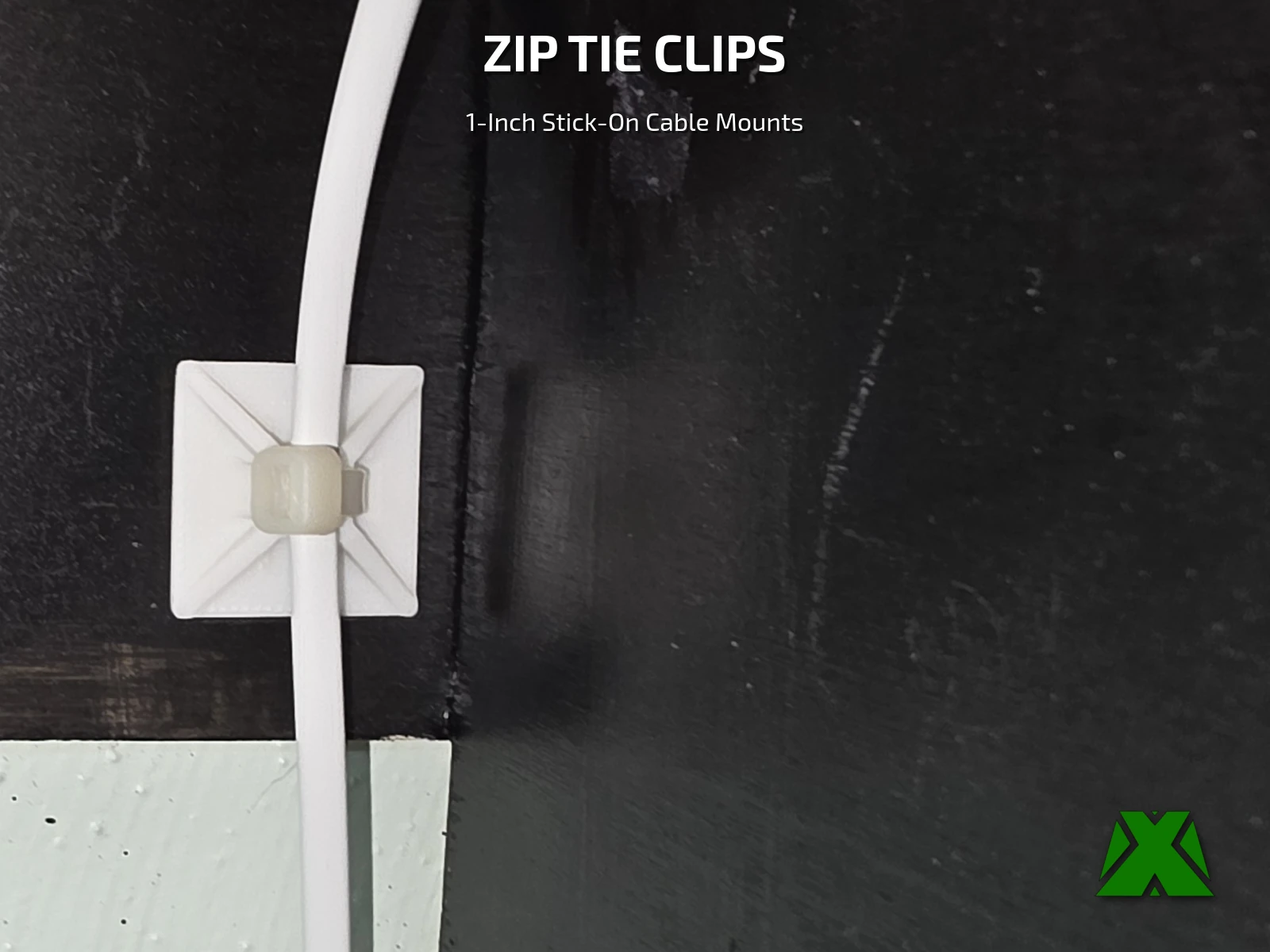
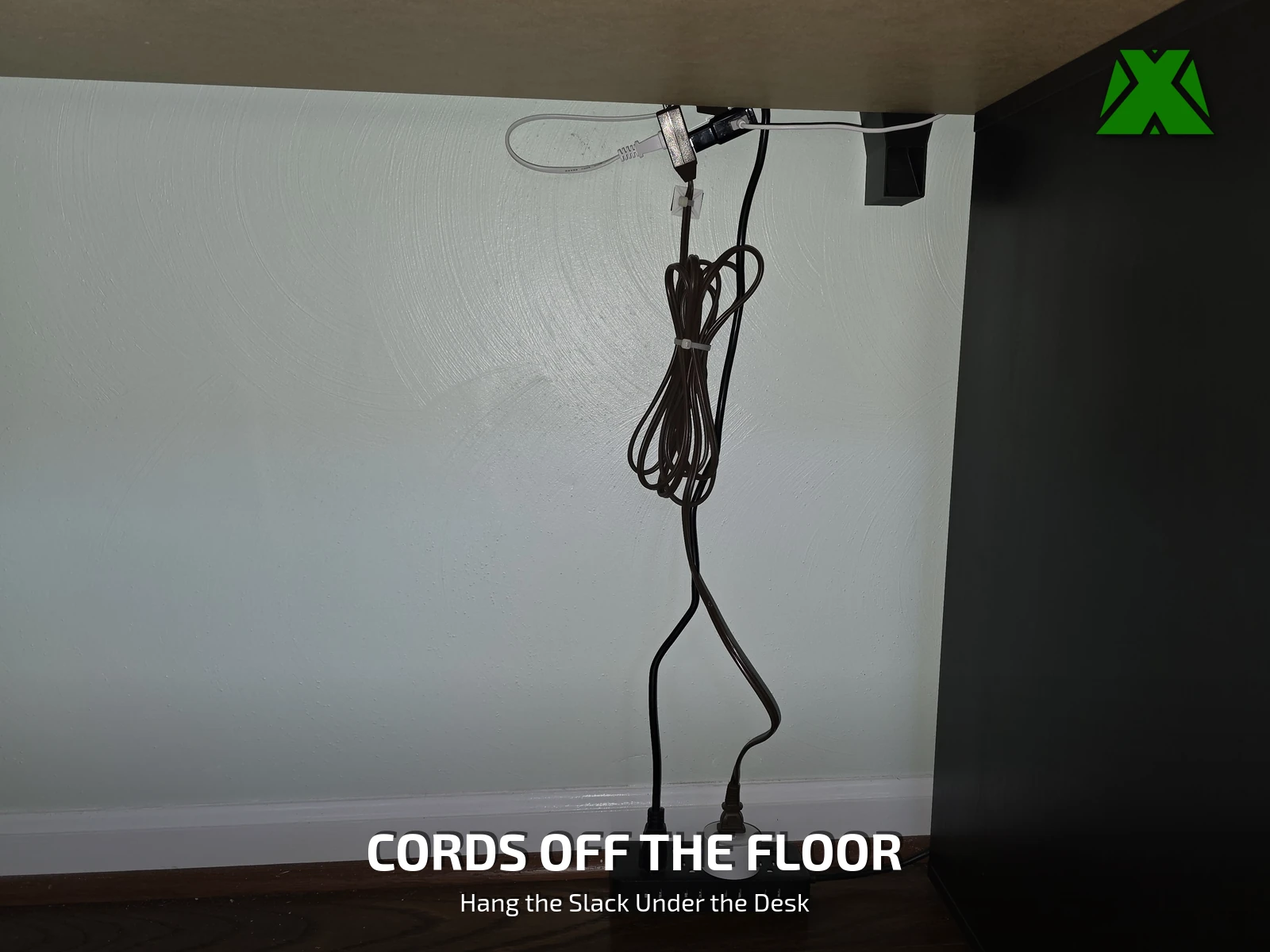
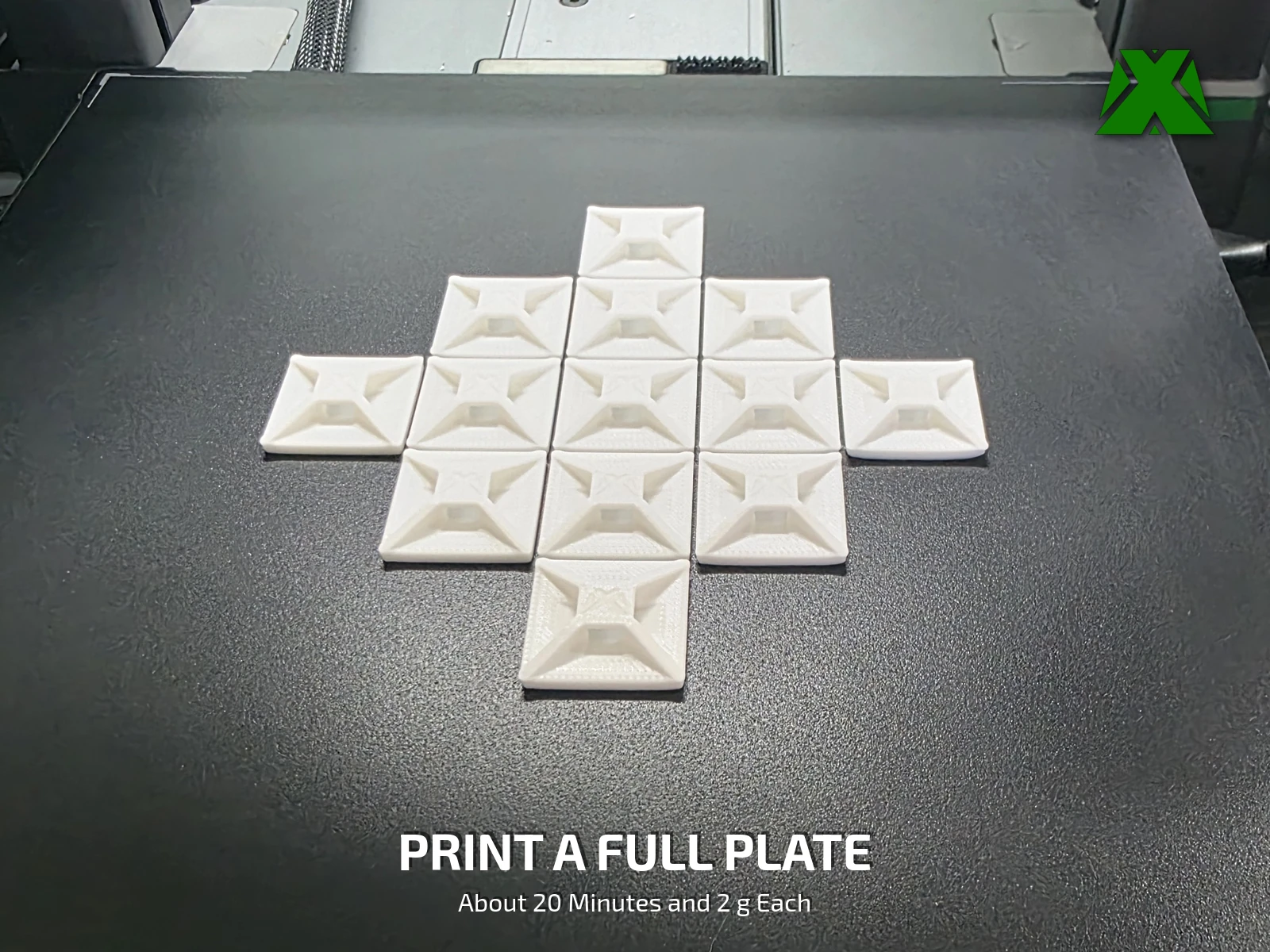
A loose cable gets snagged, kicked and tangled. These are the classic stick-on zip tie mounts, printed instead of bought: stick one down, run a tie through it, and the cable stays where you routed it. I printed a plate of 14 and put them to work under my desk and along the cable for the light on my desk hutch.
Downloads
Get the Files
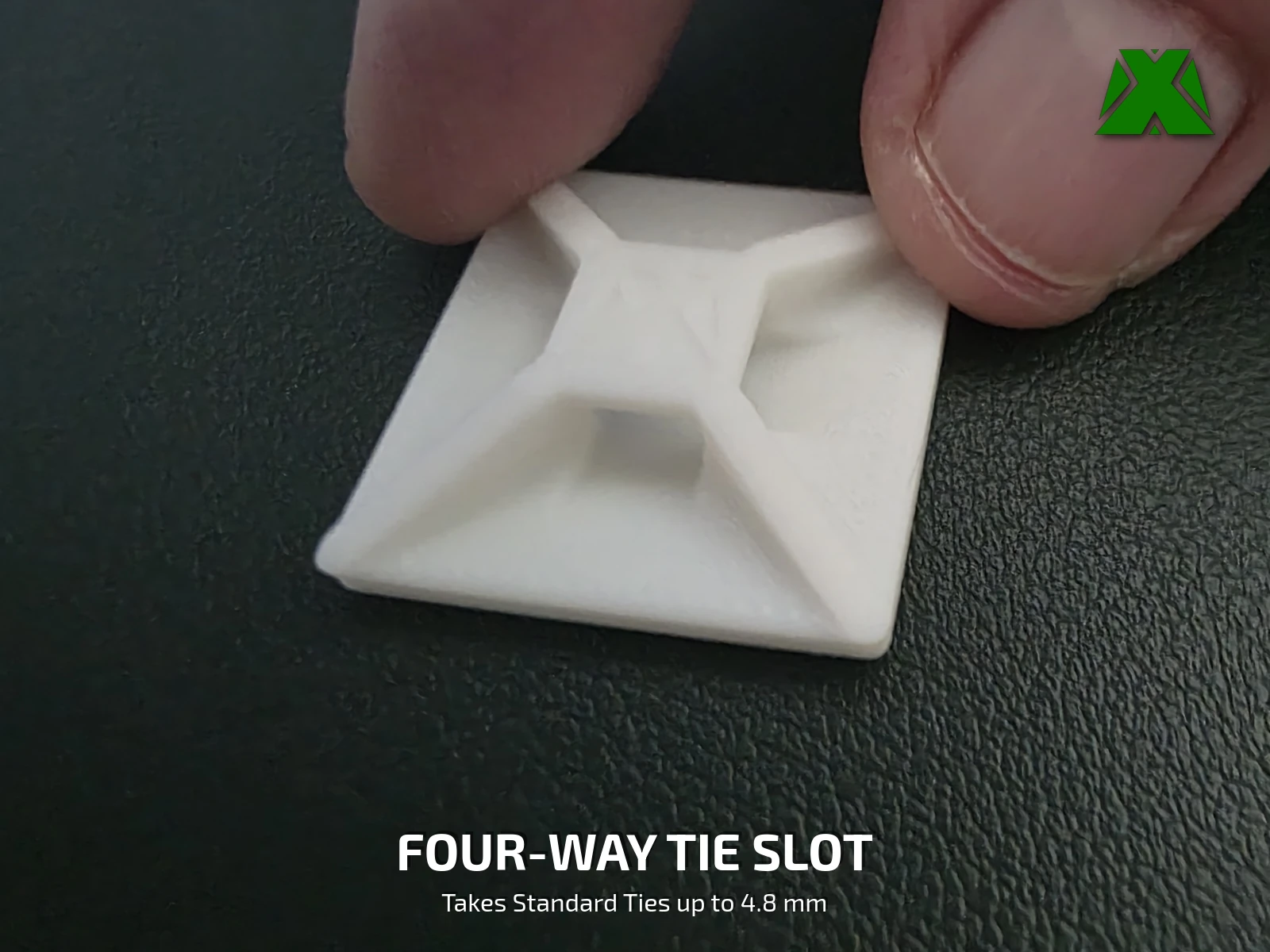
One 3MF with the tested PLA profile already set up, and the STL for bringing your own. One piece, 25.4 × 25.4 × 6.35 mm (1 × 1 × 1/4 in). Bring your own zip ties and double-sided foam mounting tape.
Every download through Creality Cloud earns points that help keep my models free and my pages running. If you have an account, downloading from there is the best way to support the work at no cost to you.
Download on Creality CloudThe 3MF is the faster path — open it, add as many copies as you need, and slice. A full print & install guide is attached to the Creality listing.
The same guide attached to the model listings, hosted here so you can read it before you print —
What Makes It Work
Stick It, Tie It, Trim It
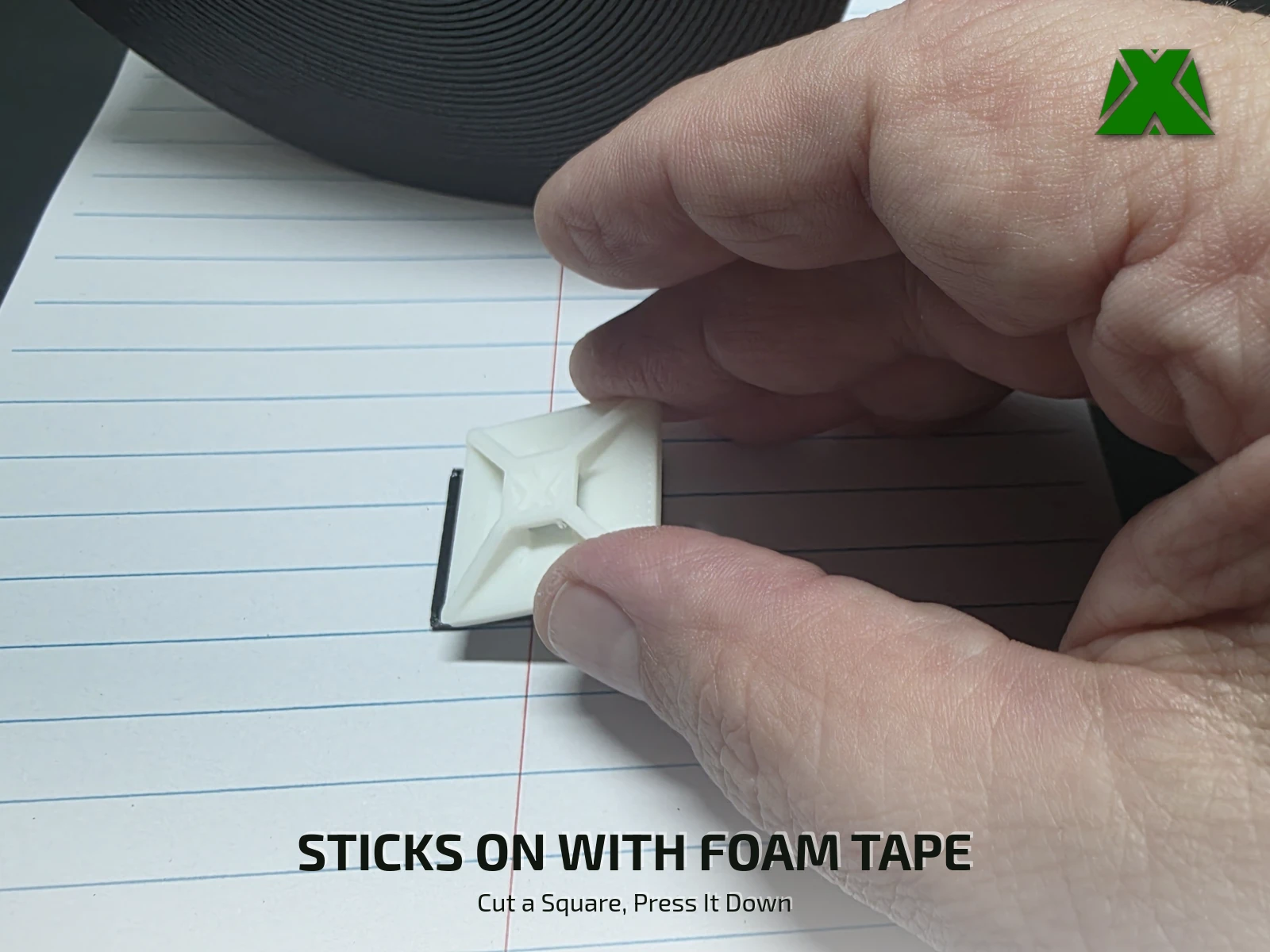
Cut a square of double-sided foam mounting tape about 1 in across and press it onto the base. Wipe the spot clean and dry, peel the liner and press the clip down firmly. Thread a zip tie through the tunnel, around the cable, pull it snug and trim the tail flush.
Print Settings
Slice It Right
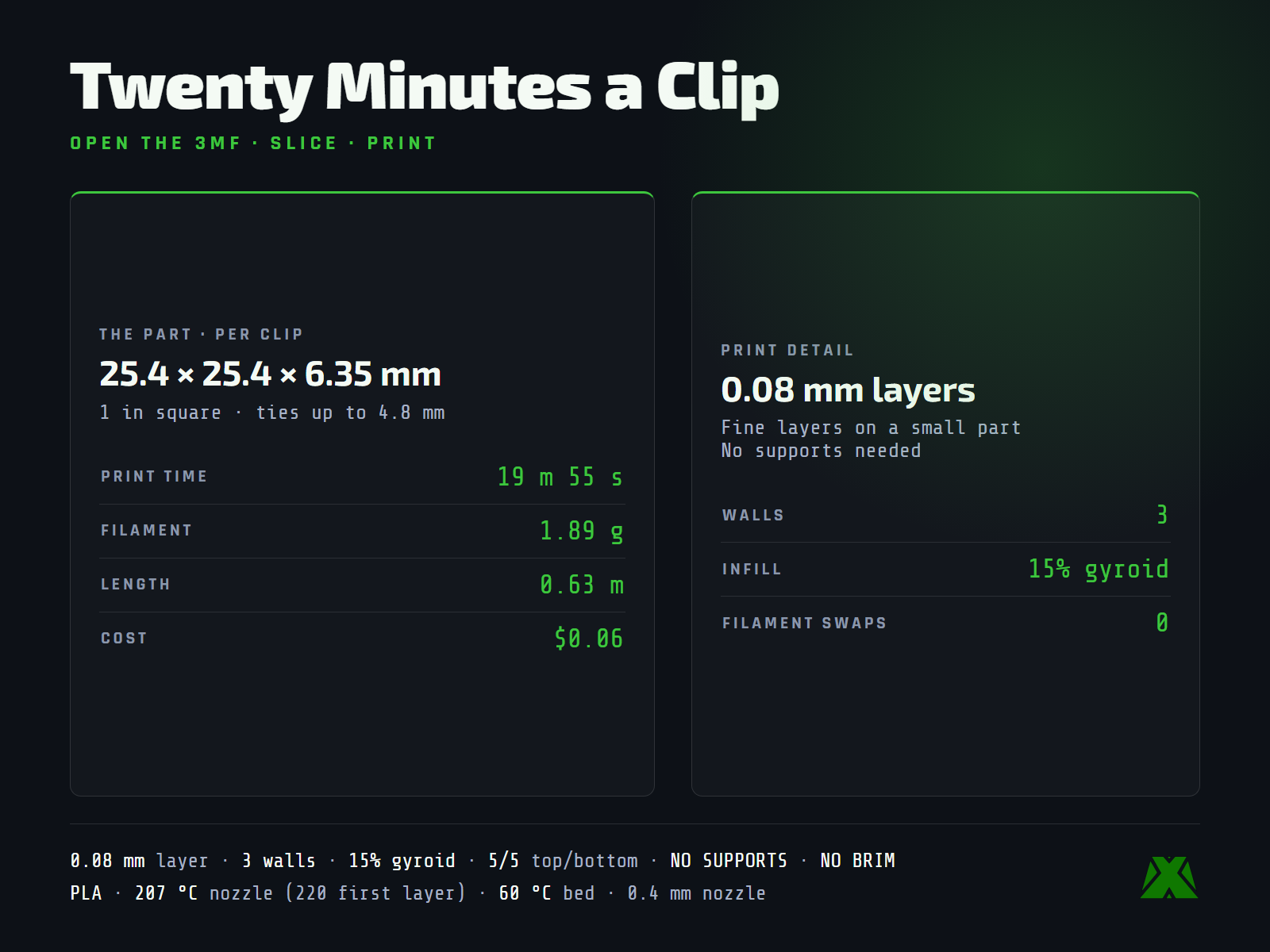
These are the settings baked into the 3MF, sliced with a 0.4 mm nozzle. Open it in any slicer that reads 3MF projects and it is ready to go. The 3MF has one clip on the plate — add copies in your slicer to print a batch.
One clip, 19 m 55 s and 1.89 g — 0.63 m of filament, about $0.06 in material, no filament swaps.
More models and tested slicer settings on my Creality Cloud profile.
View ProfileReleased under CC BY-NC-ND 4.0 — free for personal use, credit appreciated, no commercial use or derivatives.